
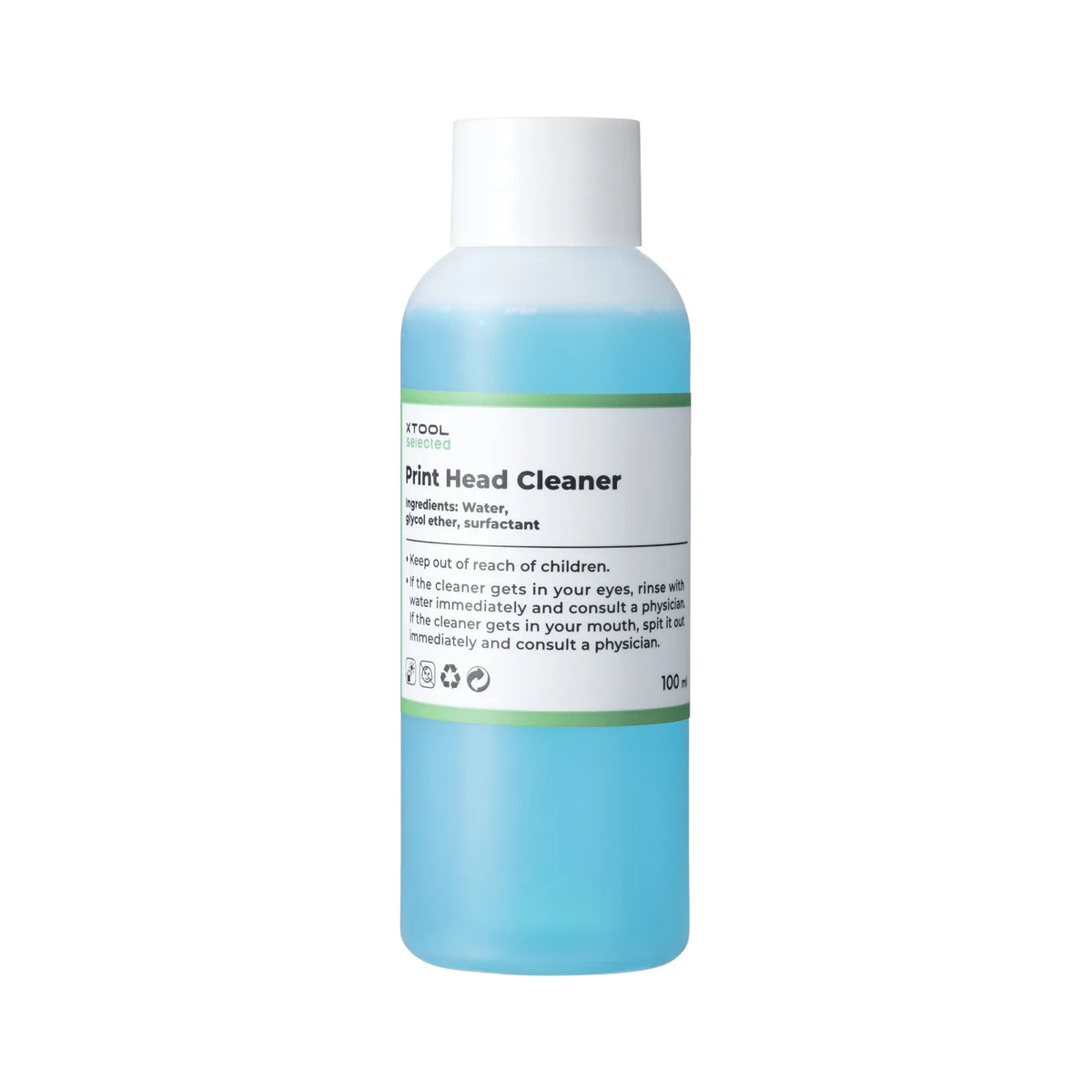
xTool Selected Apparel Printer Cleaning Fluid (100ml)

Same Day Dispatch Before 12PM

Easy Returns & Exchanges

300+ Reviews
Product Details
- MSDS(SDS) certification. Effectively solves stubborn clogging problems in the print head of the xTool Apparel Printer or ink residue causing color changes, inability to print colors, low print quality, and lines during printing, restoring the printer's performance to its optimal state. It also protects the print head, ensuring smoother ink flow and extending its life.
- Different clogging situations require specific cleaning methods:
-
Light Cleaning (Maintenance Frequency: once a week/when blocked):
- Move the print head to the left of the machine.
- Open the left side plate.
- Observe the dirty print head through the bottom reflector. Wipe the print head with a clean cloth/swab and cleaning fluid (be careful of the cutting blade when wiping the print head).
-
Deep Cleaning (Maintenance Frequency: when severely clogged):
- Move the print head to the processing area.
- Drop the cleaning fluid through the dropper onto the ink pad.
- Move the print head back to the ink stack so that the ink pad fits the print head, and soak for 30 minutes.
- The cleaning solution must be drained from the ink pad using the ink extraction function before use. Print a test strip to confirm the condition of the printhead.
-
Ink Stack Area Wiping (Maintenance Frequency: Once a week/when there is ink residue):
- Move the print head to the print area.
- Wipe the ink scraper and the pigment buildup around the ink pads with a clean cloth/swab and cleaning fluid.
-
- Safety Precautions: Keep this cleaning fluid out of reach of children. Avoid contact with eyes and ingestion. Always handle with care to ensure a safe cleaning process.
- xTool Selected materials are terrific partners of xTool laser machines. If there are any quality problems with the material, please feel free to contact us, xTool Selected will provide you with unconditional return and exchange.
Shipping & Returns
Shipping
- Orders are typically processed and dispatched quickly (usually within 1 business day).
- Shipping is calculated at checkout based on your location.
- Tracking details are provided once your order is shipped.
- Delivery times may vary depending on location and courier delays.
Refunds & Returns
- Returns are accepted under specific conditions (e.g., faulty, damaged, or incorrect items).
- “Change of mind” returns may be limited depending on the product.
- Refunds are processed after inspection and typically take 5–7 business days.
- Items must be returned in original condition where applicable.
Couldn't load pickup availability
Pickup available at 3DC Archerfield
Usually ready in 4 hoursPairs well with
If you have any questions, you are always welcome to contact us. We'll get back to you as soon as possible, within 24 hours on weekdays.
Shipping Information
3DCentral ships Australia-wide. Shipping costs are calculated at checkout. For delivery enquiries or help arranging shipping for larger equipment, contact our team before placing your order.
Customer Support
3DCentral offers support before and after your purchase, including help choosing suitable 3D printers, lasers, materials and accessories. For technical assistance with a product you’ve purchased, email support@3dcentral.com.au with your order details and a description of the issue.
FAQ’s
Visit our FAQs page for answers to common questions about ordering, shipping and product support. If you need help comparing products or choosing equipment for your projects, contact the 3DCentral team.
Contact Us
Contact 3DCentral for product advice, quotes and help choosing equipment for your home, workshop or business. Email sales@3dcentral.com.au or call 1800 301 301, Monday to Friday, 9am to 5pm Brisbane time. For technical support, email support@3dcentral.com.au.